Copilot Instructions to Adapt Tone of Writing
Here’s a post about adapting the writing styles that Copilot uses. I had it write the post at the end, and it is a lot closer to how I would write after I followed this process.
It is amazing that “how I write” can be defined as a style that AI can use. Here’s an early revision of my writing style so you can see what that looks like.
Writing Style for LinkedIn Posts
With the writing style documented, save it in the Copilot Settings Personalization “Custom Instructions” text box.
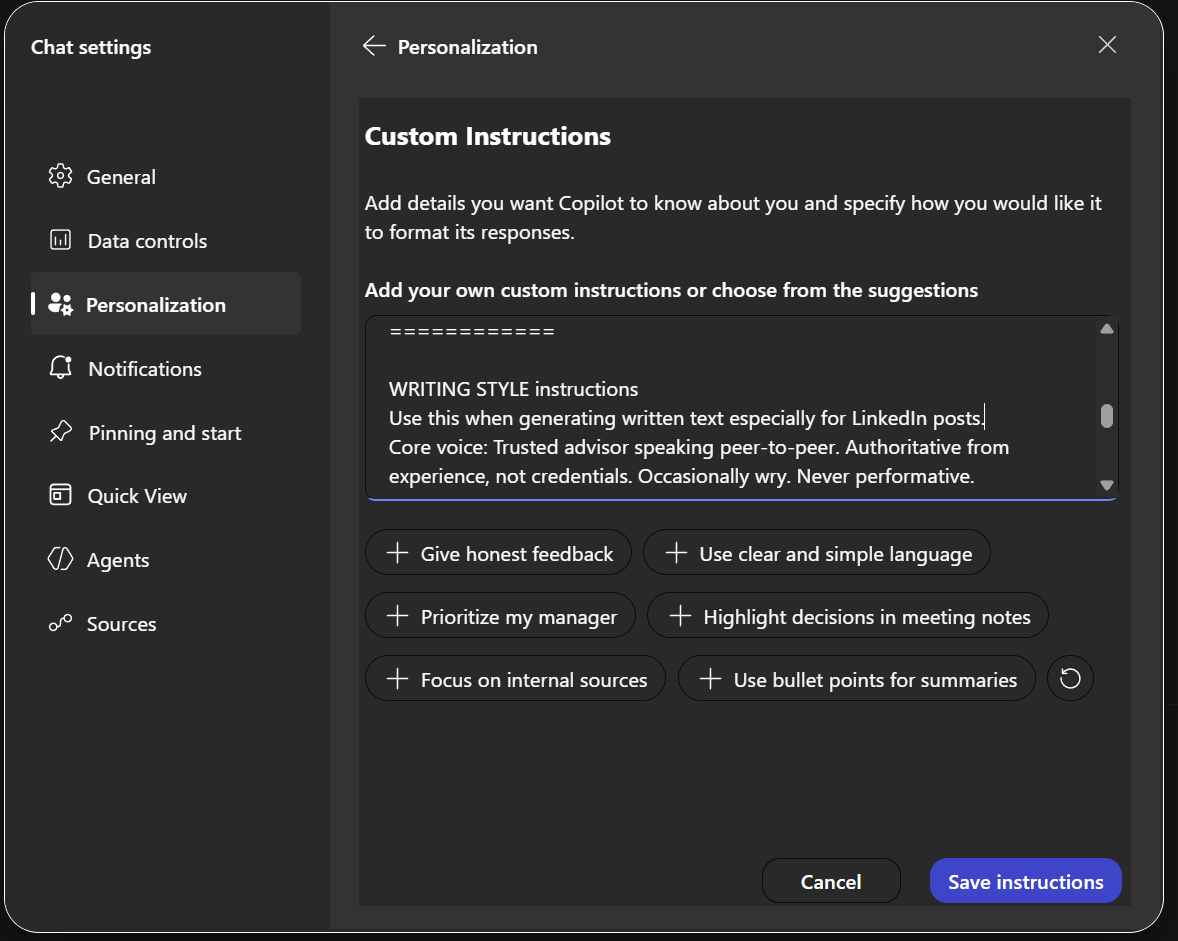
I had Copilot generate my writing style based on past writings I had shared, then I let it write the post. I edited it and prompted it to update my instructions.

Here’s the post.
I’ve been experimenting with something simple that changed how I use Copilot for writing. I didn’t change how I prompt, but I configured instructions. There’s a key difference. Prompts get all the attention but are one-off requests, tuned for a moment. But instructions sit underneath. They shape how the model behaves every time, whether you remember to ask or not.
If you’re using Copilot to draft LinkedIn posts, that distinction matters more than most people realize. The real problem isn’t getting words on the page. It’s getting words that actually sound like you. I’ve read a lot of AI-generated posts lately. You can spot them in about two lines. Same cadence. Same phrasing. Same safe conclusions. There is nothing wrong with them because the idea is what’s most important. But they can start to be noise, so I started writing a set of custom instructions for Copilot — not about what to write, but how I think when I write.
Things like:
Speak as a practitioner, not a commentator Prefer a specific example over a general claim Let one sentence carry the weight instead of stacking emphasis If it sounds like something everyone would say, rewrite it
That last one catches more than you’d expect. The effect was subtle at first and then it compounded. The drafts didn’t get longer. They got sharper. Less explaining. More observing. Fewer words doing more work.
And here’s what I like the most: I stopped editing as much for tone and started editing for insight instead.
Custom instructions don’t replace thinking. They just make sure your defaults aren’t generic. And in a feed full of “perfectly fine” content, that turns out to be an advantage.